
Recommended workflow
- Create the message at wipe.me.
- Choose an expiration appropriate to the task.
- Send the private link through the intended conversation. If you selected a custom passphrase, share it through a separate trusted channel.
- Ask the recipient to open it only when ready; retrieval is one-time.
- Delete an unopened message if the handoff is canceled or sent incorrectly.
Keep an ongoing conversation private
Wipe.me can also protect a continuing conversation, not just an occasional password or file. You and the other person agree on a shared passphrase once. After that, each of you can use it to create new one-time messages and send only the resulting Wipe.me links through your usual messenger. The messenger history contains generic private-message links rather than the subject and contents of the conversation. The same is true for notification previews, exports, backups, moderation tools, and other systems that process the messenger history: they receive the link, not the protected text or attachments.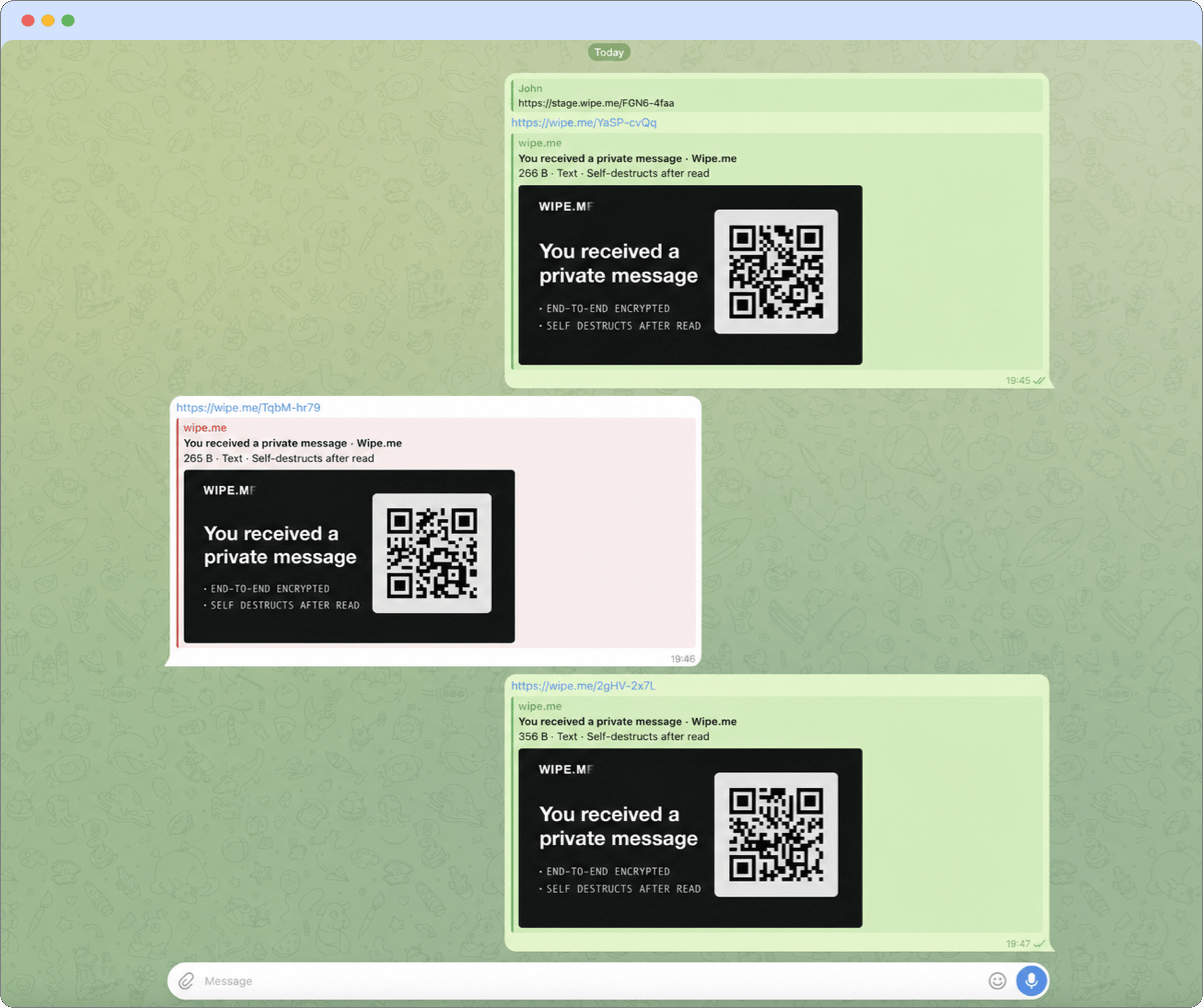
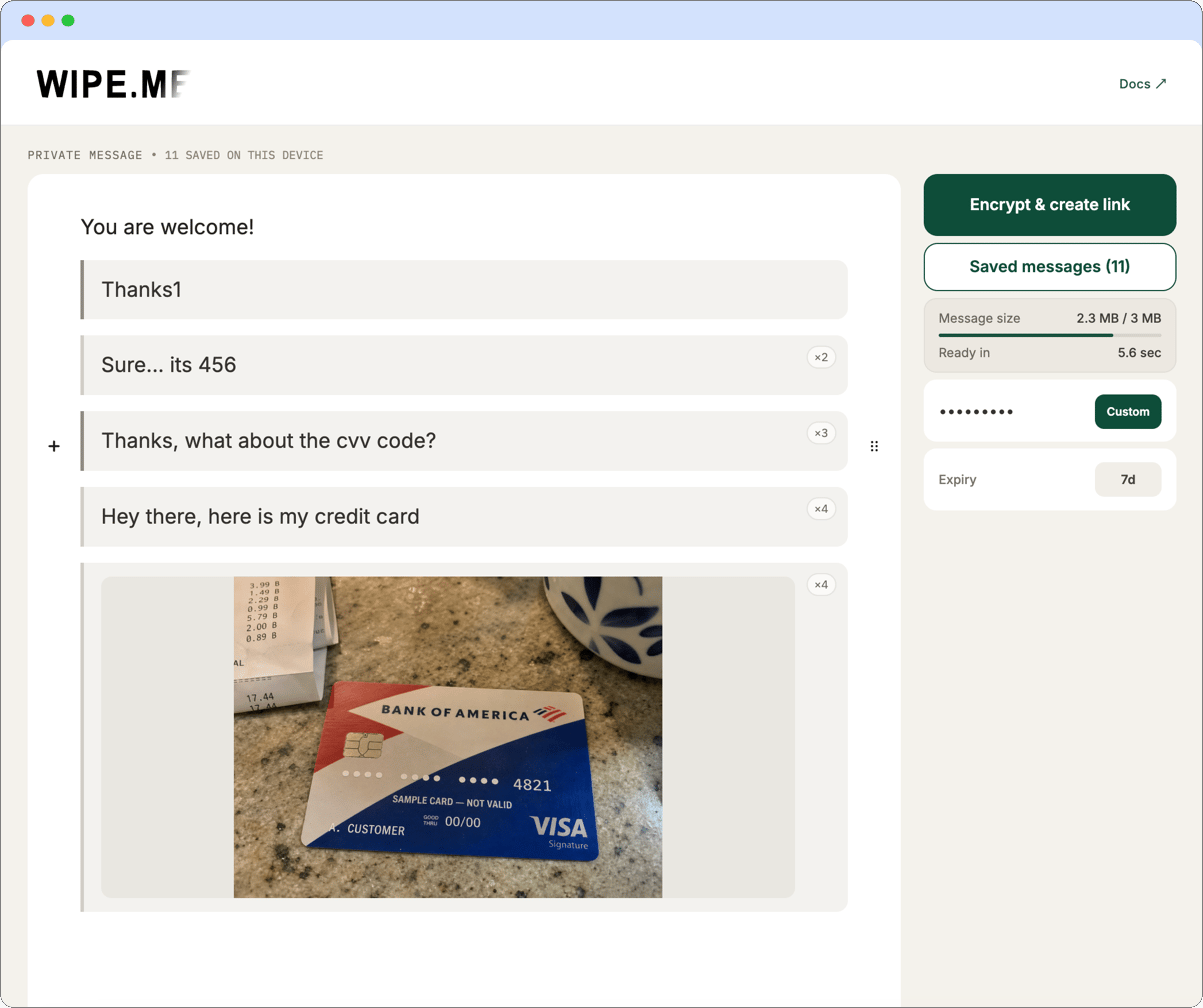
The messenger can still retain ordinary conversation metadata, such as the
participants, timestamps, and the fact that Wipe.me links were exchanged. If the
shared passphrase may have been exposed, agree on a new one before continuing.